Arndt Freytag von Loringhoven is not your average phishing victim.
The 69-year-old German diplomat served as deputy president of the Bundesnachrichtendienst (BND), Germany’s foreign intelligence service. He spent years as NATO’s assistant secretary general for intelligence and security, where he oversaw allied intelligence cooperation across the Western alliance. After his final posting as Germany’s ambassador to Poland (ending in 2022), he turned his expertise toward public education, publishing Putins Angriff auf Deutschland — “Putin’s Attack on Germany” — a book that explicitly documents Russian disinformation campaigns and cyberattacks against German institutions.
Then, according to a report by Der Spiegel, a message appeared on his Signal app from what claimed to be Signal “Support.” It asked for his PIN.
He typed it in.
What Happened
The attack was straightforward — devastatingly so. Loringhoven received a message through Signal from what appeared to be a security support chatbot. The message warned of suspicious activity on his account and instructed him to enter a verification code and his Signal PIN to “complete a verification procedure.”
Once the attackers had his PIN and verification code, they registered his Signal account on their own device, gaining full control. His contacts — a network that presumably includes current and former intelligence officials, NATO allies, diplomats, and security professionals across Europe — then received a malicious invitation link through his compromised account, directing them to an external website.
Loringhoven told Der Spiegel he had warned all his contacts not to follow the link and deleted his Signal account. He acknowledged the case demonstrates that “Russian state actors continue their offensive hybrid campaigns unabated.”
He is, by his own admission, far from the only victim.
A Global Campaign Attributed to Russia
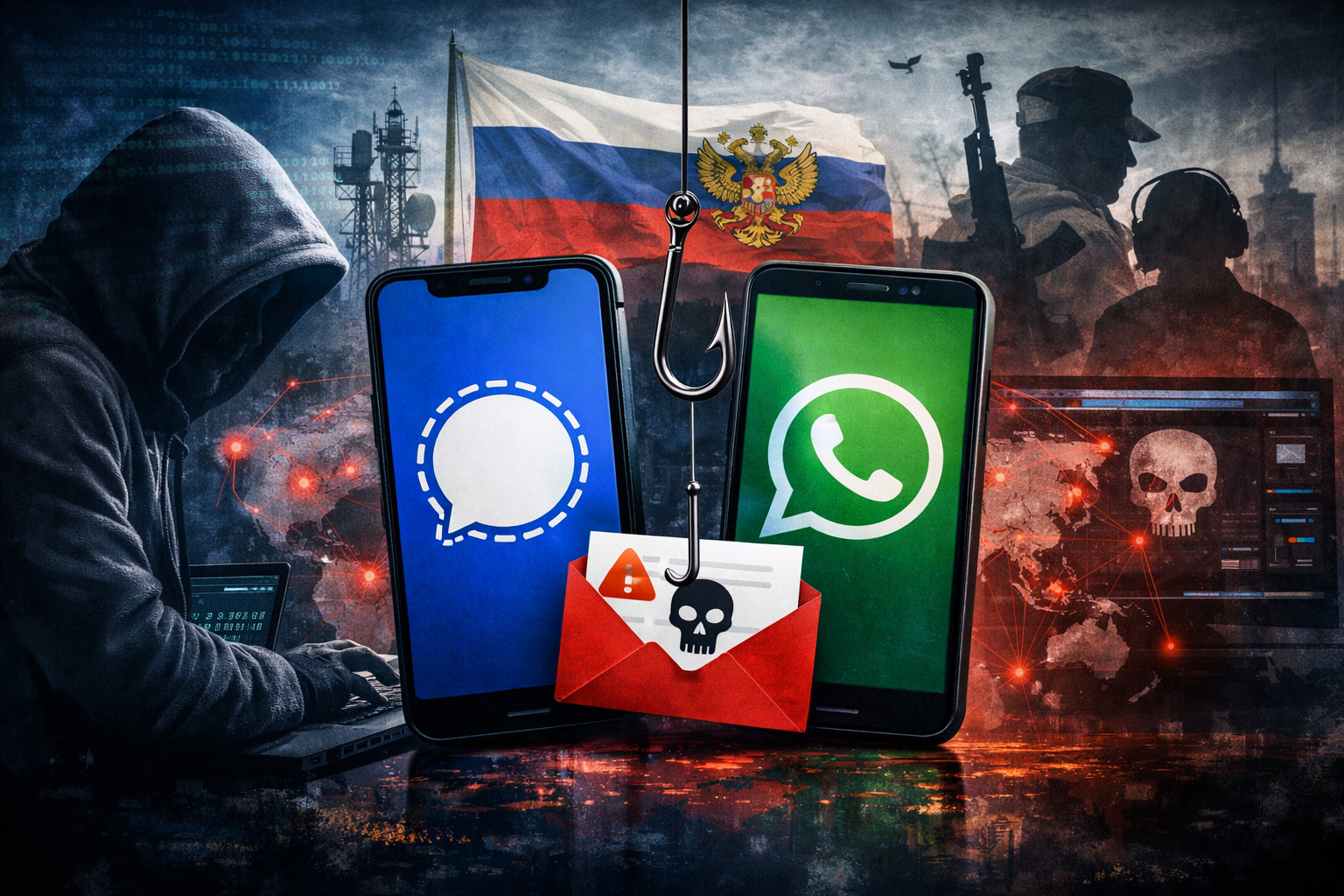
The attack on Loringhoven was part of what Dutch intelligence agencies described as a “large-scale global” campaign by Russian state-sponsored hackers targeting Signal and WhatsApp users.
On March 9, 2026, the Netherlands’ General Intelligence and Security Service (AIVD) and Military Intelligence and Security Service (MIVD) publicly attributed the campaign to Russian state actors, marking one of the clearest official attributions of messenger-based espionage operations.
“The Russian hackers have likely gained access to sensitive information,” the Dutch agencies warned, confirming that Dutch government employees had also been targeted.
In Germany, the Federal Office for the Protection of the Constitution (BfV) and the Federal Office for Information Security (BSI) had classified the attack wave as “security-relevant” as early as February 2026. The BfV’s warning reportedly received “high resonance,” suggesting the scope of targeting was substantial. Senior German politicians and active officials in security agencies were among the confirmed targets.
Vice Admiral Peter Reesink, director of the Dutch MIVD, issued a blunt warning: “Chat applications like Signal and WhatsApp, despite their end-to-end encryption, are no channels for classified, confidential, or sensitive information.”
How the Attack Works
The Russian campaign employs two primary attack vectors, both exploiting legitimate Signal and WhatsApp features rather than breaking their encryption:
Method 1: The Fake Support Message
This is what got Loringhoven. Attackers send a message impersonating a “Signal Security Support Chatbot” that warns of suspicious activity. The message creates urgency — your data may have leaked, someone is trying to access your private information — and directs the victim to share their SMS verification code and Signal PIN.
Once the attacker has both, they can re-register the victim’s account on their own device. The victim loses access. Their contact list and incoming messages — including group chat messages — flow to the attacker.
Here’s the insidious part: victims can create a new Signal account using their existing phone number. Because Signal stores chat history locally on the device, they’ll see their old messages and may assume nothing happened. Meanwhile, the attacker has already changed the phone number associated with the hijacked account to one they control, maintaining persistent access.
Method 2: The Malicious QR Code
The second technique abuses Signal’s and WhatsApp’s linked devices functionality. Attackers send what appears to be a QR code invitation to join a group chat or connect with another user. When the victim scans the code, it actually links the attacker’s device to the victim’s account.
This method is even more dangerous in some ways because the victim retains full access to their account and may never realize their messages are being silently read in real-time by a third party.
What Signal Itself Said
Signal posted on Bluesky acknowledging the campaign:
“We are aware of recent reports regarding targeted phishing attacks that have resulted in account takeovers of some Signal users, including government officials and journalists. We take this very seriously. To be clear: Signal’s encryption and infrastructure have not been compromised and remain robust.”
Signal emphasized that when sending SMS codes, they always warn users not to share them with anyone — including Signal employees or services. In other words, Signal never asks for your PIN. Ever.
The Irony That Writes Itself
Let’s be direct about what happened here.
Arndt Freytag von Loringhoven spent the final years of his career warning Germany about exactly this kind of Russian operation. His book, Putins Angriff auf Deutschland, covers disinformation campaigns, cyber operations, and hybrid warfare tactics — the very category of attack that compromised his account.
He held one of NATO’s most sensitive intelligence positions. He was, by any measure, someone who should have known better.
And that’s precisely the point.
This incident demolishes the comfortable assumption that cybersecurity awareness correlates with seniority, intelligence, or subject-matter expertise. Loringhoven isn’t a careless teenager clicking on a “You’ve won an iPhone” pop-up. He’s a seasoned intelligence professional who has studied and written about the exact threat actor that targeted him.
The attack didn’t exploit a zero-day vulnerability. It didn’t require sophisticated malware. It didn’t break Signal’s encryption. It used a text message that said, essentially, “Hi, we’re from Signal Support, please enter your PIN.”
And it worked.
Why Social Engineering Keeps Working
The cybersecurity industry has been saying for decades that “humans are the weakest link.” But the Loringhoven case illustrates something more nuanced: even humans who understand they are the weakest link can still be exploited.
Several factors make messenger-based social engineering particularly effective:
Contextual trust. Unlike email, where most professionals have been trained to spot phishing attempts, messaging apps feel more intimate and trusted. A message that appears within Signal carries an implicit endorsement — it’s inside the secure app, so it must be legitimate.
Urgency manipulation. The fake support messages warn about account compromise, creating a fear response. When you’re told your private data may have leaked, the instinct is to act first and analyze later.
Plausible interface. Signal doesn’t have a traditional customer support chat system, but many apps do. The concept of an in-app support chatbot isn’t inherently suspicious — it’s how millions of services operate.
Credential fatigue. PINs, verification codes, 2FA tokens — security professionals deal with these constantly. The act of entering a PIN in response to a prompt is so routine that it can happen almost on autopilot.
High-value targeting. These aren’t mass-blast phishing campaigns. The attackers know who they’re targeting and can craft messages that feel personally relevant. When you’re a former intelligence chief, a message warning about account security doesn’t seem unreasonable — it seems expected.
Who Else Was Targeted
The scope of the campaign extends well beyond Loringhoven:
- Senior German politicians reported being targeted and contacted authorities
- Active officials in German security agencies were attacked
- Dutch government employees were confirmed as targets by the AIVD/MIVD
- Journalists across multiple countries were compromised
- Government officials globally were targeted, according to Signal’s own confirmation
The Dutch intelligence advisory specifically noted that this was not limited to the Netherlands or Germany — it’s a global operation. The attackers are methodically working through the contact networks of high-value targets, using each compromised account to lend credibility to attacks on the victim’s connections.
This is classic intelligence tradecraft adapted for the digital age: compromise one node in a network, then use the trust relationships to move laterally.
How to Protect Your Signal Account
Whether you’re a former NATO intelligence chief or a regular Signal user, here’s what you need to do:
1. Signal Will Never Ask for Your PIN
This is the single most important thing to understand. Signal does not have a support chatbot. Signal will never message you asking for your PIN or verification code. If you receive such a message, it is an attack. Full stop.
2. Check Your Linked Devices — Right Now
Open Signal → Settings → Linked Devices. If you see any devices you don’t recognize, remove them immediately. Do this regularly — make it a weekly habit.
3. Enable Registration Lock
Go to Signal → Settings → Account → Registration Lock. This prevents anyone from re-registering your phone number on another device without your PIN. It doesn’t protect you if you give your PIN away, but it adds a layer of protection against other attack vectors.
4. Set a Strong PIN
Your Signal PIN should not be 1234 or your birthday. Use the longest PIN you can remember. Signal uses this PIN for various security functions, including protecting your profile and contacts if you re-register.
5. Treat QR Code Requests with Extreme Suspicion
If anyone sends you a QR code claiming it’s an invitation to a group or a way to connect, verify through an independent channel (a phone call, an in-person conversation) before scanning it.
6. Verify Through Independent Channels
If you receive an unusual message from a known contact — especially one containing links or urgent requests — verify with them through a different communication method before taking any action.
7. Remember: Encryption ≠ Security
End-to-end encryption protects the content of your messages in transit. It does nothing to protect you from handing your credentials to an attacker. The encryption is working perfectly while the attacker reads your messages through your own compromised account.
The Bigger Picture
This incident sits within a broader pattern of Russian hybrid warfare operations that have intensified alongside the physical conflict in Ukraine and the recent escalation involving Iran. The AIVD/MIVD attribution is significant — it’s one of the few cases where Western intelligence agencies have publicly and unambiguously pointed the finger at Russian state actors for messenger-based espionage.
The targeting of messaging apps represents an evolution in Russian intelligence methodology. Rather than trying to break encryption — which remains computationally infeasible for properly implemented end-to-end encryption — they’re bypassing it entirely by compromising the endpoints. Why crack the lock when you can convince someone to hand you the key?
For intelligence professionals, diplomats, journalists, and anyone working on sensitive issues related to Russia, European security, or NATO operations, the message is clear: your Signal account is a target. The app’s encryption is excellent, but it’s only as strong as your ability to resist handing your credentials to someone pretending to be customer support.
A man who literally wrote the book on this exact threat couldn’t resist.
What makes you think you’re any different?
If you believe your Signal or WhatsApp account has been compromised, the Dutch intelligence agencies recommend immediately checking your linked devices, changing your PIN, and reporting the incident to your organization’s security team. For Signal-specific guidance, visit Signal’s support page.